Book page plan
Configure the book, then generate its AI-written page prompts.
Complete book workflow
Create a complete AI coloring book, not a folder of unrelated pages
A useful coloring book needs a clear theme, deliberate page variety, consistent difficulty, and a reliable print format. ColoringStore plans those parts together so every generated page belongs to the same finished book.
Coordinated page plan
Build a cover, themed coloring scenes, optional activity pages, a bonus page, and a final page around one audience and theme.
Consistent printable artwork
Keep line weight, detail level, recurring motifs, page proportions, and colorable regions aligned across the full project.
One production-ready PDF
Review and reorder pages before exporting the complete book in A4 or US Letter format with optional page numbers.
How AI coloring book creation works
The workflow separates planning, generation, and export so you can correct individual pages without rebuilding the entire book.
- 1
Define the book
Choose a book type, title, theme, audience, difficulty, and total page count. These decisions shape every page in the plan.
- 2
Review the AI-written prompts
Review and edit each page title, characters, and detailed image prompt before you spend image-generation credits.
- 3
Generate, refine, and export
Generate the complete set, replace only the pages that need revision, then download the approved pages as one ordered PDF.
Built for real coloring book projects
The same planning system adapts the page structure and complexity to different publishing and activity needs.
Kids coloring books
Friendly scenes, bold outlines, large spaces, and age-appropriate detail for home or gifts.
Classroom activity books
Combine coloring scenes with visual mazes, counting, matching, and path activities without relying on dense instructions.
Printable creator products
Produce a themed PDF draft for lead magnets, digital downloads, party activities, or customer-specific printable sets.
KDP interior drafts
Plan consistent adult or kids interior pages in US Letter format before final publishing review and compliance checks.
Preview a coordinated five-page coloring book sequence
A finished plan mixes an inviting opener, varied scenes, a recurring visual style, and a clear final page instead of repeating one prompt.
 1
1Cover concept
 2
2Simple opening scene
 3
3Character activity
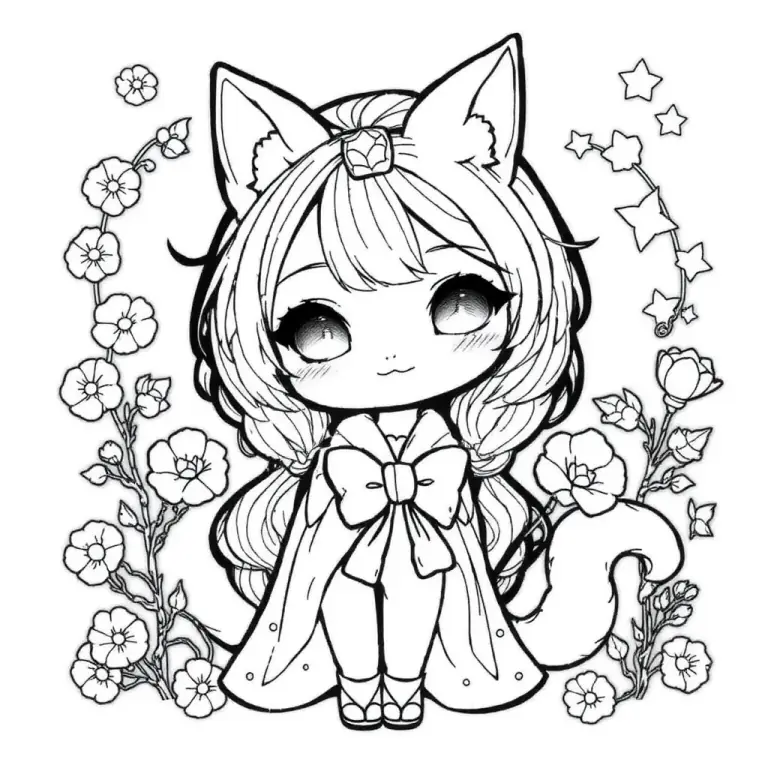 4
4Detailed centerpiece
 5
5Final celebration page
AI coloring book generator FAQ
Can the AI generate an entire coloring book?
Yes. You can plan and generate 5, 10, 20, or 30 coordinated pages, review each result, replace individual pages, and export the approved sequence as one PDF.
How does the generator keep pages consistent?
Gemini creates every page prompt from the same book title, theme, audience, difficulty, and visual direction. Each page is checked for unique content and its position in the sequence before you approve the plan.
Can I make a KDP coloring book?
You can create and export a US Letter coloring book interior draft. Before publishing, independently review originality, margins, bleed, cover requirements, and the current KDP content policies.
Can I edit the book before generating every page?
Yes. Every planned scene is editable, and interior pages can be reordered before generation. Editing a completed scene marks that page for regeneration without changing the rest of the book.
What happens if one page fails?
Completed pages remain saved. You can retry the failed page, pause the remaining queue, or replace a single result without starting the whole book again.
Which PDF sizes are supported?
The complete book can be exported as A4 or US Letter. Page numbers are optional, and the cover remains the first page of the exported PDF.