Click to upload an image
We accept JPEG, PNG, GIF, or WEBP formats up to 10MB.
Add specific instructions to customize how the image is converted
Image to Coloring AI Converter
Convert photos and images into printable coloring pages. Make clean line art from pictures, download HD/PDF, and learn which uploads work best.
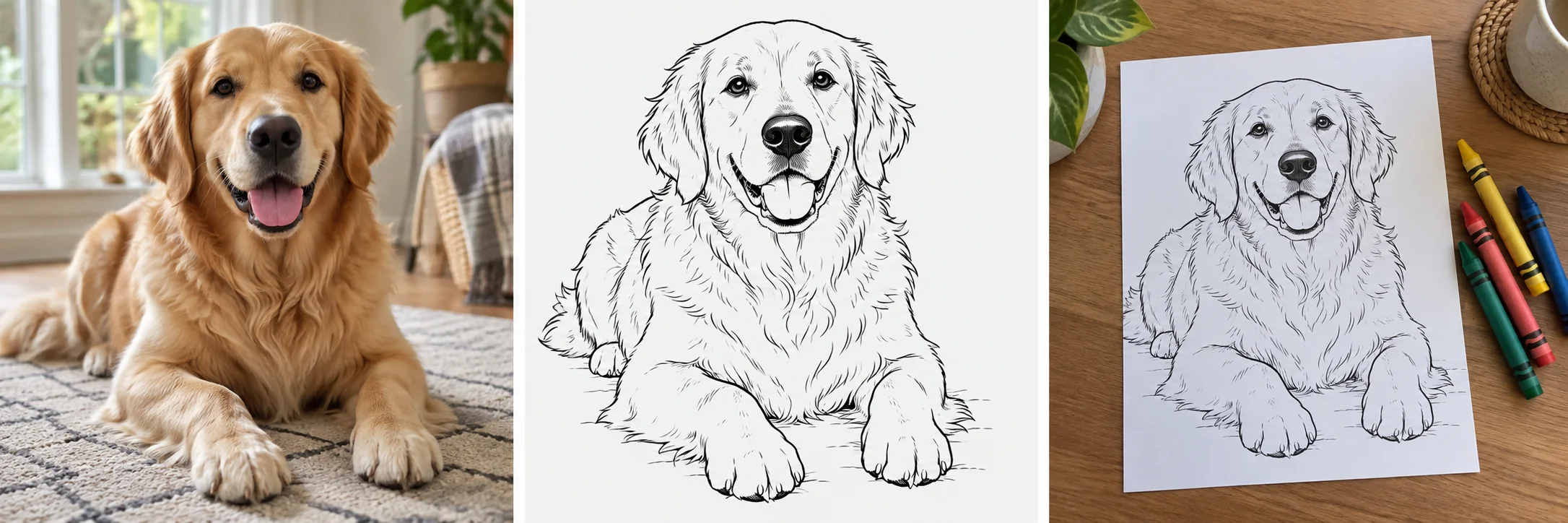
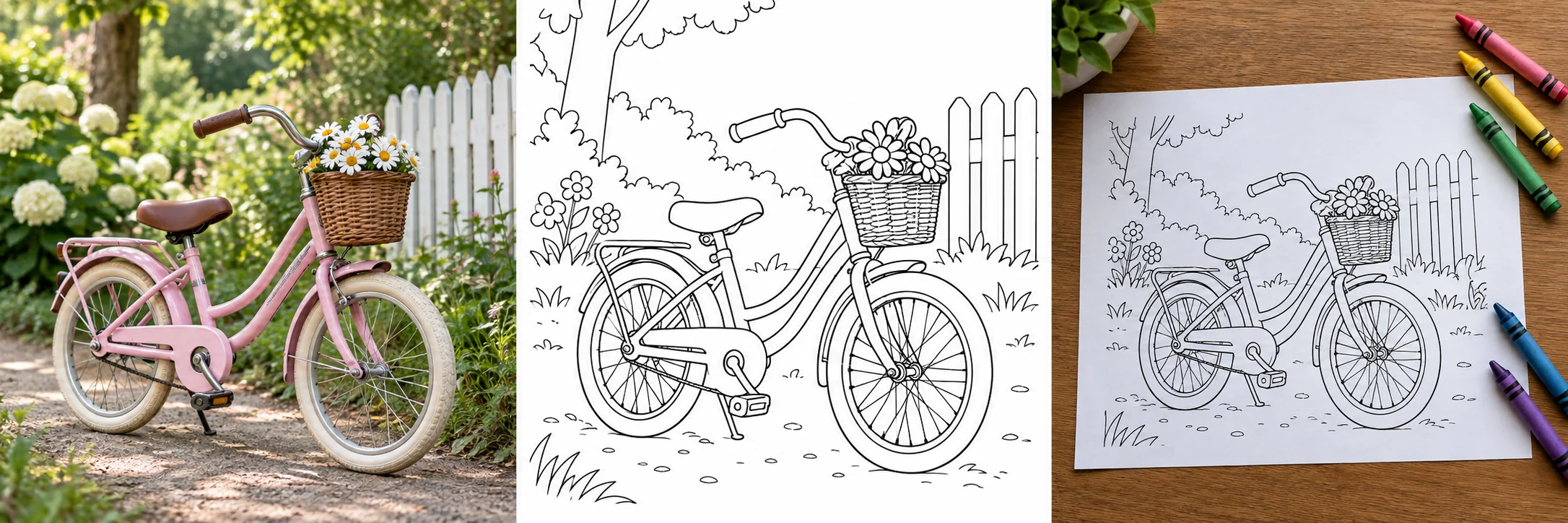
Sample Image Conversions
Original Photo

Coloring Page

Photo to coloring page guide
Convert photos into printable coloring pages
Use ColoringStore to turn a picture into a coloring page, clean line art, or a printable worksheet. Upload a photo, choose a style, and the AI redraws the important shapes as black-and-white outlines instead of a shaded sketch.
This page is built for high-intent searches like photo to coloring page, image to coloring page, turn picture into coloring page, and convert photo to line art printable.
Before and after: from image to coloring sheet
The converter removes color, simplifies busy areas, and keeps the subject readable so children or adults can fill the page with crayons, markers, or pencils.


What images can you upload?
- Family photos, pet photos, classroom references, drawings, simple product photos, and original artwork.
- JPG, PNG, WebP, and common image files up to 10MB.
- Portrait, cartoon, chibi, simple, detailed, mandala-inspired, and realistic outline styles.
Which photos work best?
- Clear subject with good lighting and visible edges.
- Simple or uncluttered background.
- High contrast between the subject and background.
- Images you own or have permission to transform.
What should you avoid?
- Very blurry, tiny, dark, or heavily compressed images.
- Crowded group photos where faces are too small.
- Trademarked characters, copyrighted art, or celebrity photos unless you have rights.
- Private photos you do not want stored or visible in your account history.
Use cases
Parents
Turn vacation photos, pet portraits, birthday moments, and family memories into screen-free coloring activities.
Teachers
Create printable worksheets from classroom topics, science images, historical references, and student-friendly visuals.
KDP and Etsy creators
Prototype printable coloring sheets from original images you own, then review licensing and quality before selling.
Therapists and activity leaders
Prepare familiar, low-pressure coloring pages for group activities, art therapy sessions, or senior care programs.
How this differs from a photo-to-sketch tool
Output formats, free credits, and privacy
Downloadable files
Save the result as an HD image or generate a PDF for home, classroom, or print-shop use.
Free credit model
Image conversion uses credits after sign-in. Paid plans add more credits and faster processing.
Upload privacy
Uploads and generated files are stored so async conversion and history can work. Community sharing is off by default on this page; only turn it on for images you are comfortable showing publicly.
Image to coloring page FAQ
Can I turn any picture into a coloring page?
You can upload most common image files, but the best results come from clear photos with one strong subject and good contrast.
Is this the same as converting a photo to sketch?
No. A sketch filter often keeps gray shading. This converter is tuned for printable coloring pages with clean black outlines and white space.
Can teachers use the output in class?
Yes, teachers can use generated pages as classroom activities when they have the right to use the source image.
Can I sell pages on KDP or Etsy?
Commercial use depends on your plan and your rights to the original image. Use original or licensed photos and review the Terms before selling.
Are uploaded photos saved?
Yes. The original upload is kept temporarily for processing and history, then expires after about 30 days. The generated result stays available unless you delete it.
What if the lines are too detailed?
Try the Simple or Chibi style for larger coloring areas, or upload an image with a cleaner background.
Ready to make your own coloring page?
Upload a photo you own, keep community sharing off for private images, and download a print-ready result when the conversion finishes.
Upload an image