Free Christmas printables
Christmas Snowman Coloring Pages
Christmas snowman coloring pages offer a playful mix of rounded shapes and winter details. A hat, scarf, twig arms, and a few falling flakes can make a clear, simple picture; children building a snowman or a snowy garden adds a wider setting to explore. Choose the balance you want between open snow and small decorations, then use the ideas below to vary the scene.
12 free printable pages
Free single-page PDF
Free printable pages
Browse snowman pages
Open any page to download its free PDF. Search the collection when you have a particular scene in mind.
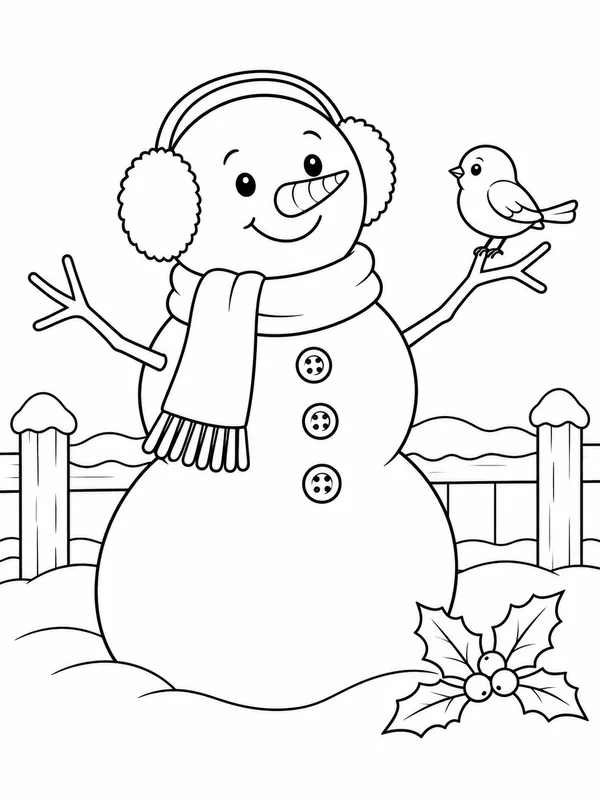
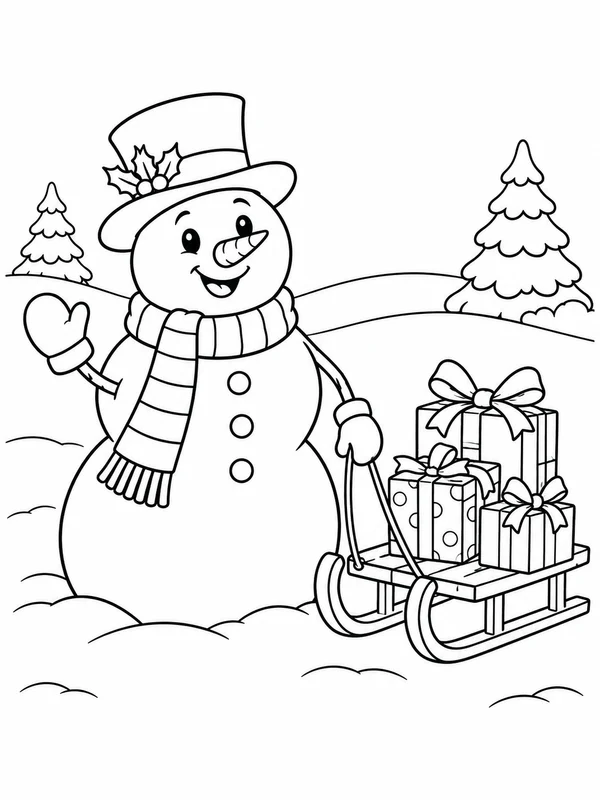
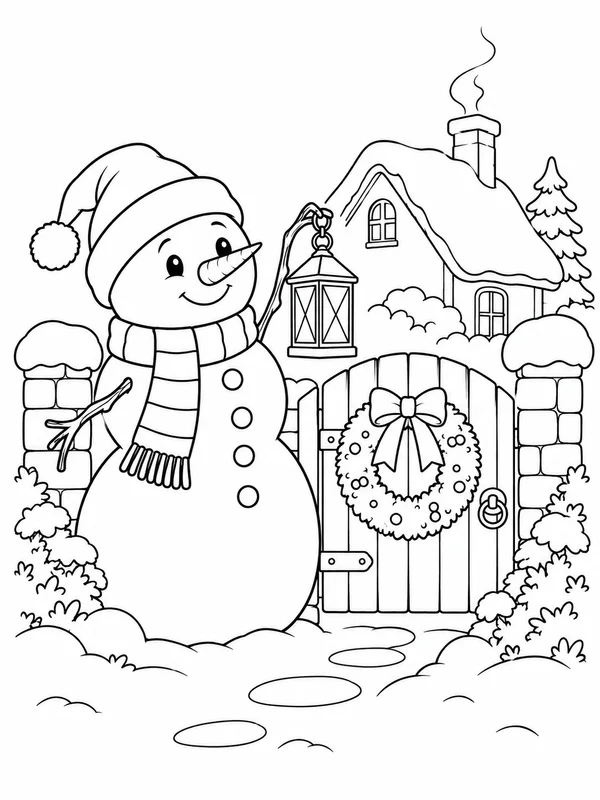
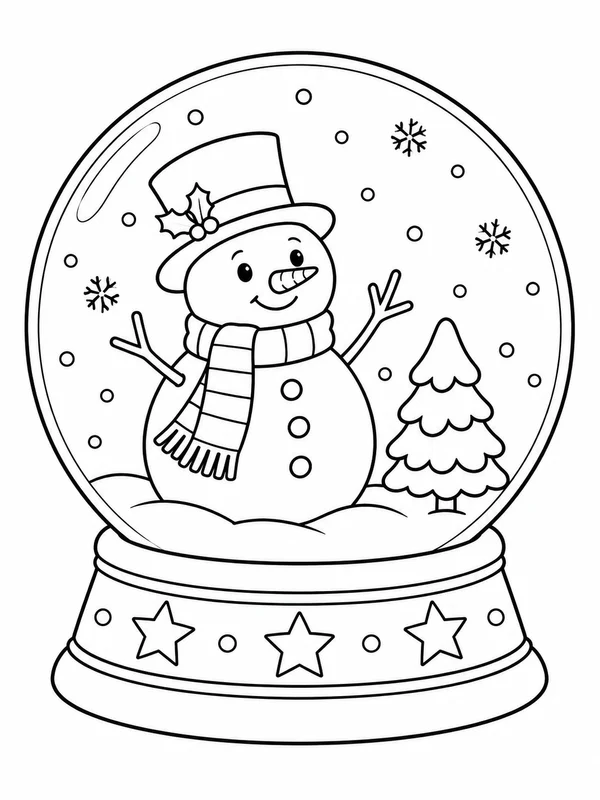
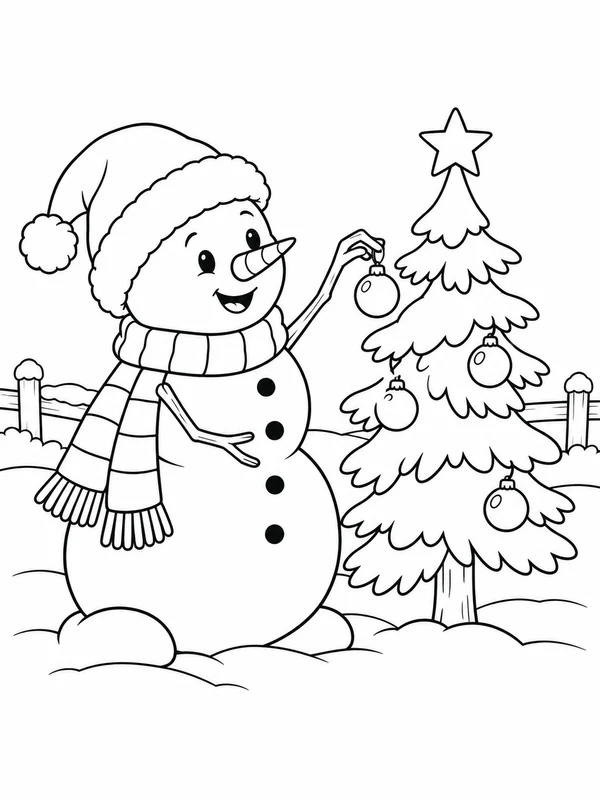
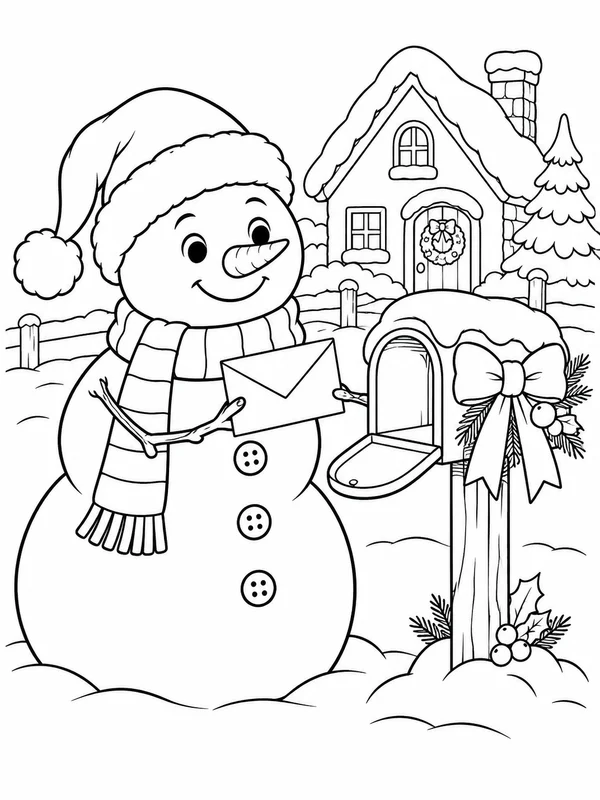
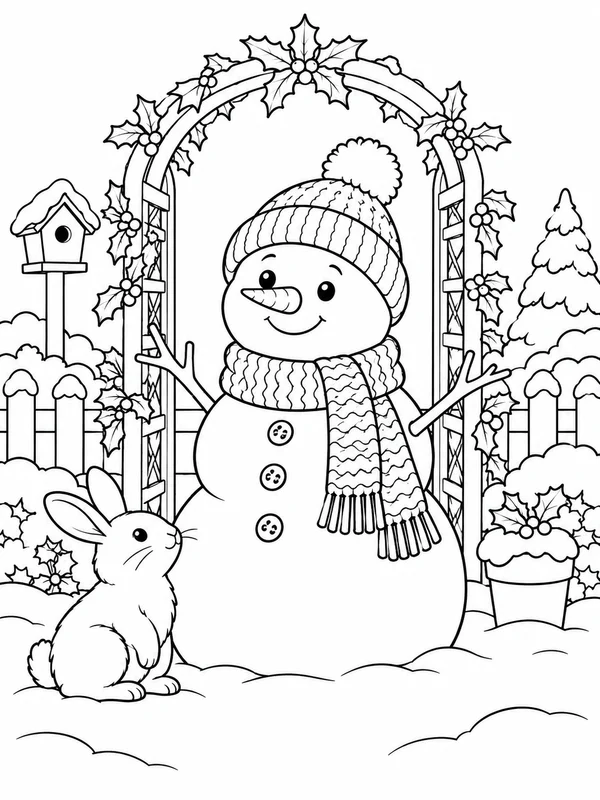
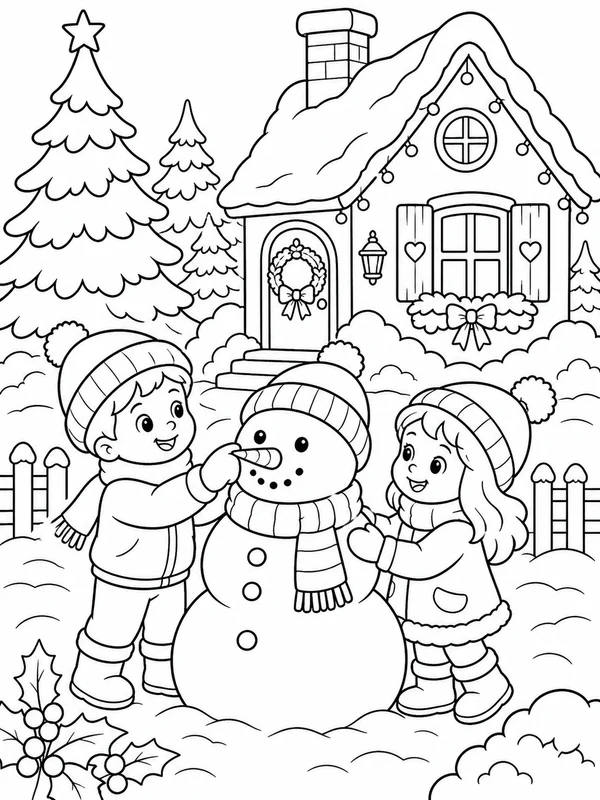
Choose a snowman scene
How to choose Christmas snowman coloring pages
Start with the snowman’s silhouette, then notice what surrounds it. One large figure leaves generous space for color choices in the scarf and hat. A family of snowmen, children rolling snow, or a winter garden introduces more shapes and relationships. The difficulty labels describe the amount of detail in an idea, not a fixed age limit; choose based on the colorist and the time available.
One snowman and open snowflakes
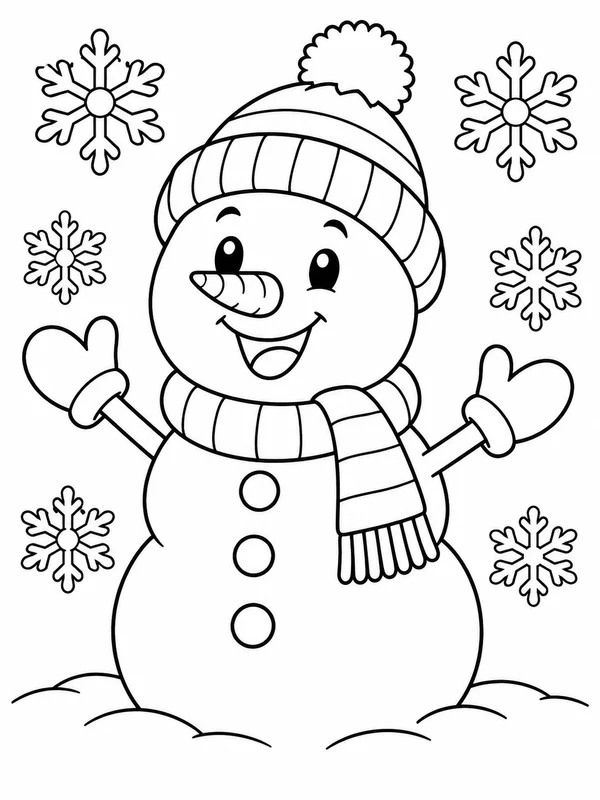
EasyA single cheerful snowman with a broad scarf, simple hat, and a few large flakes keeps the composition uncluttered. It offers large sections for color and a clear focal point for a brief activity or a first pass with crayons.
Try this ideaA snowman being built
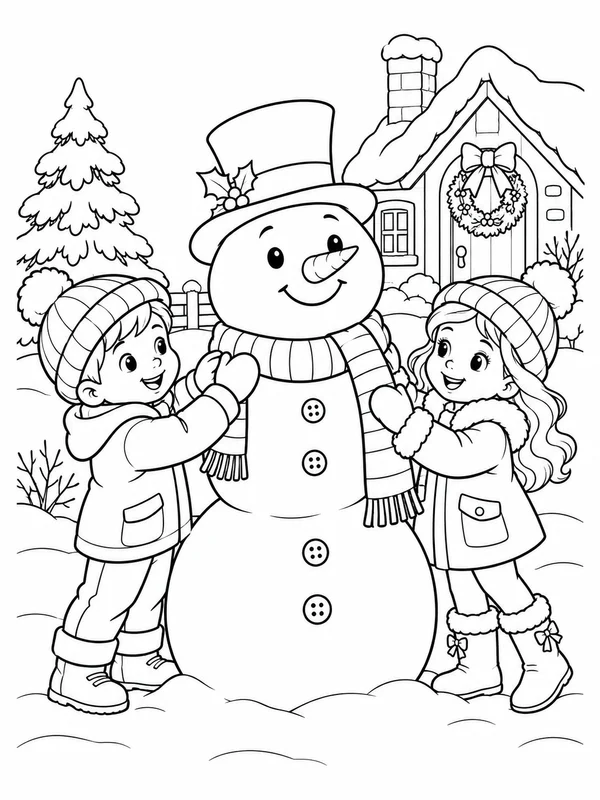
MediumA child placing the scarf, a sled nearby, or a cottage in the background turns the snowman into part of a winter moment. Choose this level when you want people and props as well as the familiar stacked snow shapes.
Try this ideaA snowy garden or snowman family
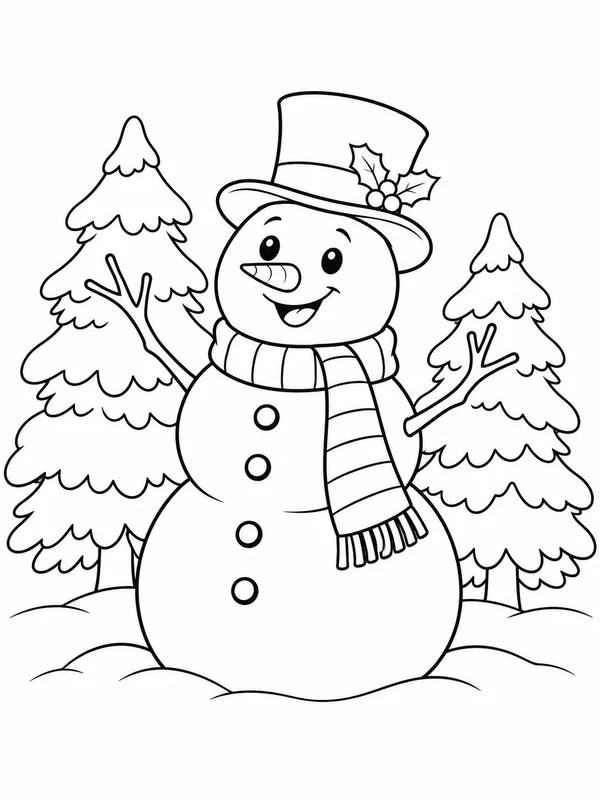
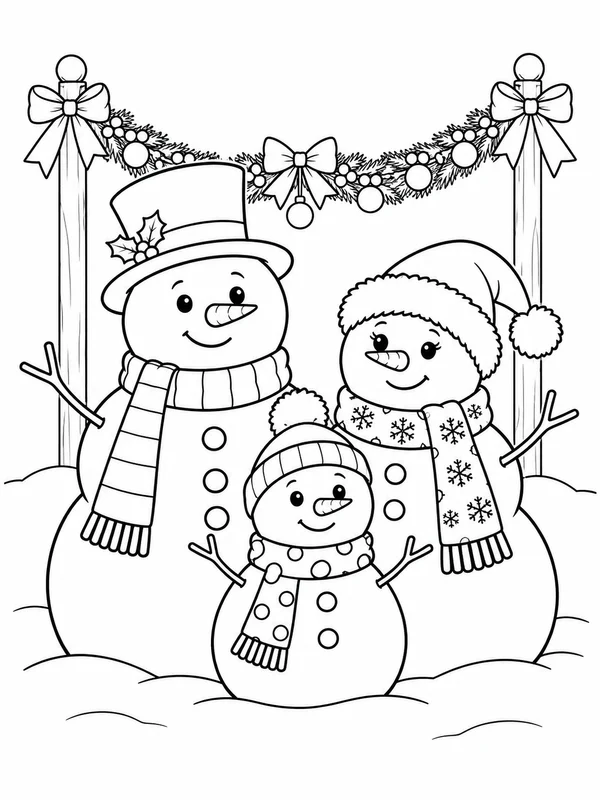
DetailedSeveral snow figures, a trellis, holly, a rabbit, or snow-covered trees add smaller details around the main shapes. This direction works for a slower coloring session and gives plenty of clues for making the background distinct from the snow.
Try this ideaWays to use the page
Give the snowman a personality
Choose a hat, scarf, and expression that suggest a mood: cheerful, curious, or sleepy. If the page has a bird or rabbit nearby, decide what caught the little visitor’s attention.
Plan a scarf pattern
Repeat a simple stripe, zigzag, or dot pattern across the scarf. Try alternating two colors, then use the same accent once on the hat or mittens to tie the outfit together.
Separate foreground from snowfall
Color the fence, trees, or cottage in a small palette while leaving some snow areas white. Use the contrast to make the snowman and its accessories easy to spot.
Printing tips
Print a snowman coloring page on Letter or A4
- Choose one snowman page and use its PDF download; an account is not needed for an existing page.
- Set the printer to the paper on hand, either US Letter or A4.
- Select Fit to printable area, not Fill or Crop, then inspect the preview for the hat, twig arms, and snowflakes near the edges.
- Print on ordinary paper first. Fitting a portrait illustration may leave white margins that vary with the paper size.
Customize a design
Imagine a snowman scene of your own
Add a favorite winter prop, setting, or companion to a fresh snowman idea. Try this fresh prompt as a guest; use Customize on a gallery image to make an account-gated variation.
Christmas snowman coloring page questions
Are there simple Christmas snowman coloring pages?
Look for one large snowman, a broad scarf, and only a few big snowflakes. Scenes with children, a garden, or several figures add more shapes to color.
Is the PDF a collection of snowman pages?
No. The PDF download saves one selected coloring page at a time; it does not promise a combined holiday bundle.
Do I need to sign in to download a snowman page?
No account is needed to browse and download an existing page.
How can I print it on A4 or US Letter?
Pick A4 or US Letter to match your paper, then choose Fit to printable area and review the print preview. This helps keep the illustration inside the printer margins.
Can I request a different snowman scene?
The Customize control on a gallery page uses that selected image as the starting point and requires an account. The prompt on this page starts a separate snowman design; the generator will indicate if sign-in is needed.