Free Christmas printables
Christmas Stocking Coloring Pages
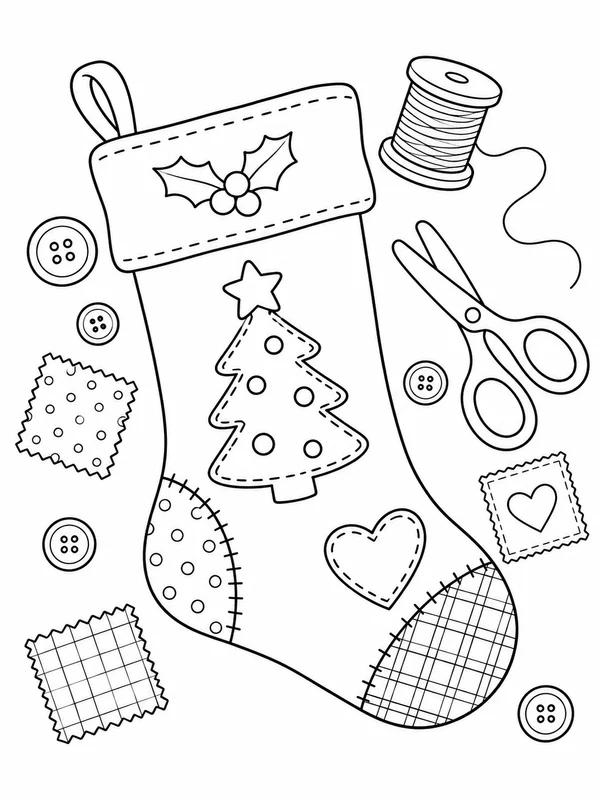
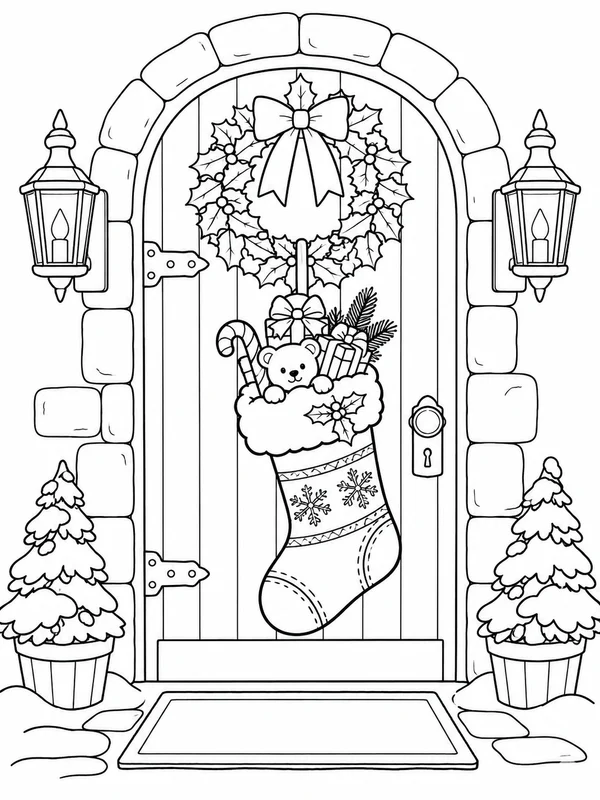
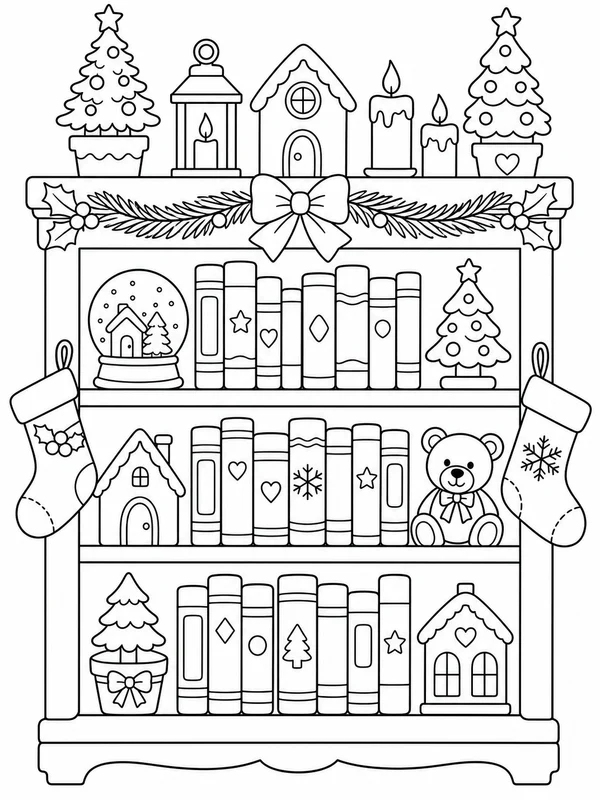
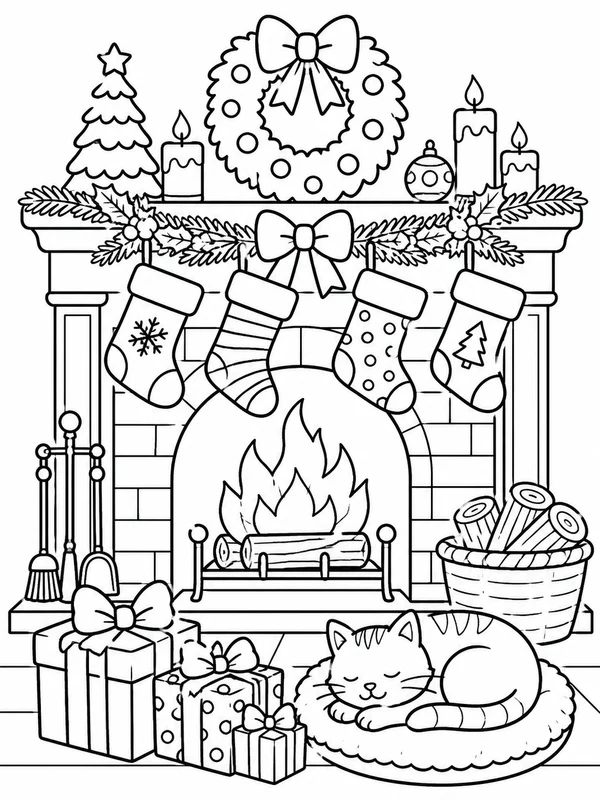
Christmas stocking coloring pages can be a simple pattern exercise or a small holiday story. One large stocking gives the cuff, heel, toe, and decorations room to stand out; a filled stocking adds gifts to discover, while a mantel scene brings several designs together. Choose whether to focus on one stocking or decorate a whole display, then use the ideas below to plan its details.
12 free printable pages
Free single-page PDF
Free printable pages
Browse stocking pages
Open any page to download its free PDF. Search the collection when you have a particular scene in mind.
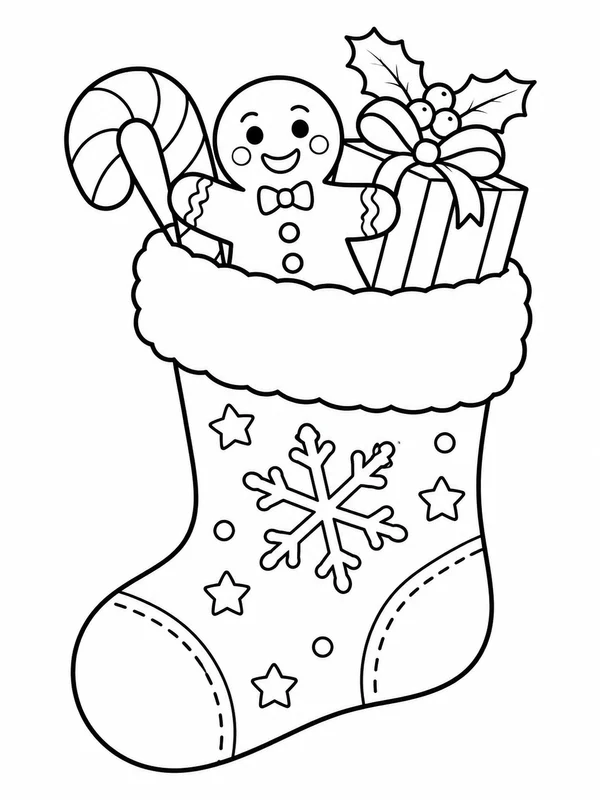
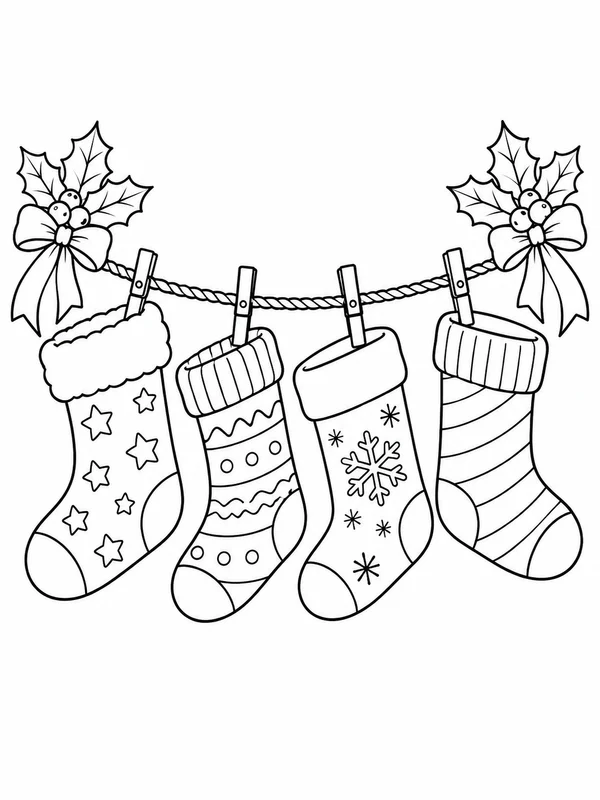
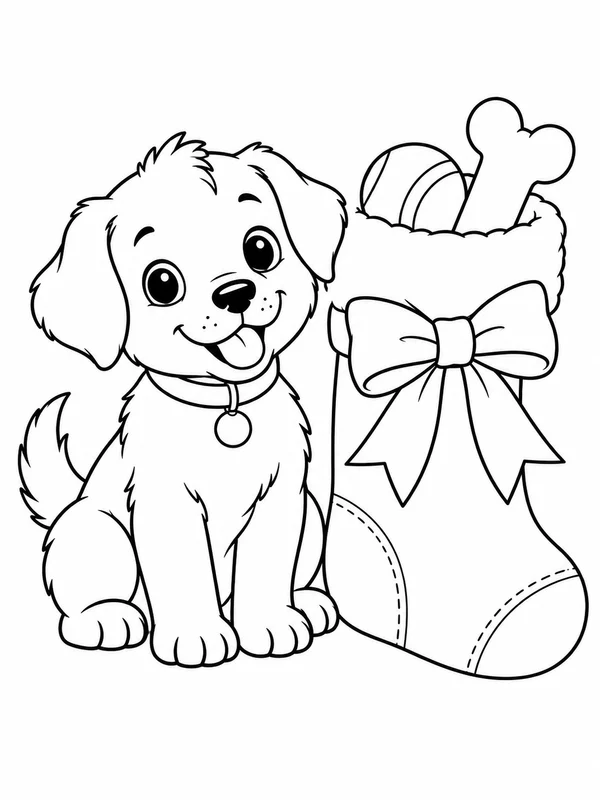
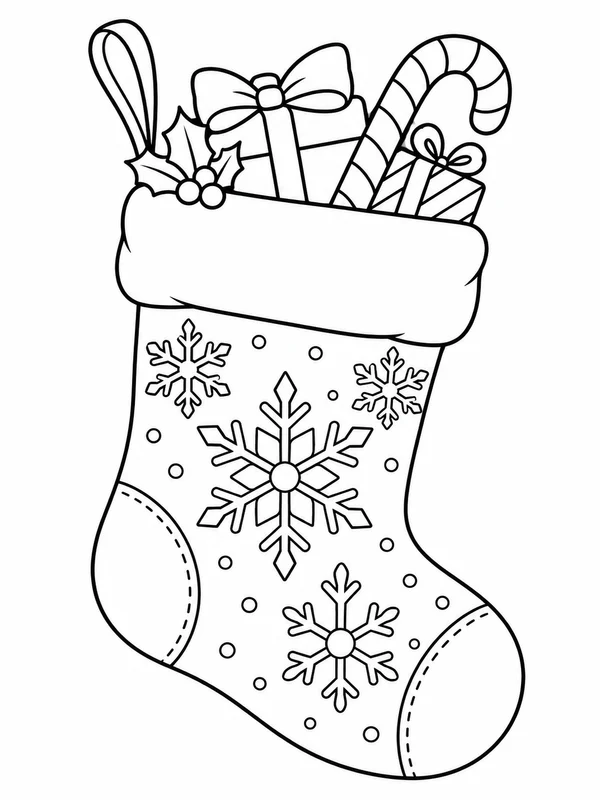
Choose a stocking scene
How to choose Christmas stocking coloring pages
Use the silhouette and the number of stockings as a quick guide to detail. An isolated stocking with a wide cuff has fewer surrounding shapes and is easy to personalize. A stocking filled with a teddy bear, candy cane, or wrapped gift invites more color decisions. A row on a mantel or holiday line adds repeated patterns and background decorations for a longer project.
One stocking with bold open shapes
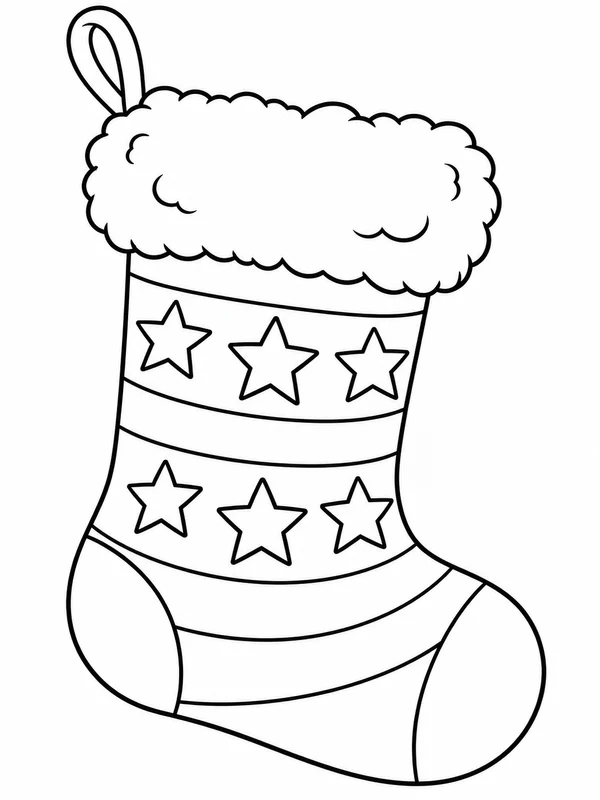
EasyA large stocking with a fluffy cuff and simple stars or stripes gives plenty of space to invent a pattern. It is a direct option for a quick page, a handmade decoration plan, or a colorist who prefers a clear outline without a busy room around it.
Try this ideaA stocking filled with little surprises
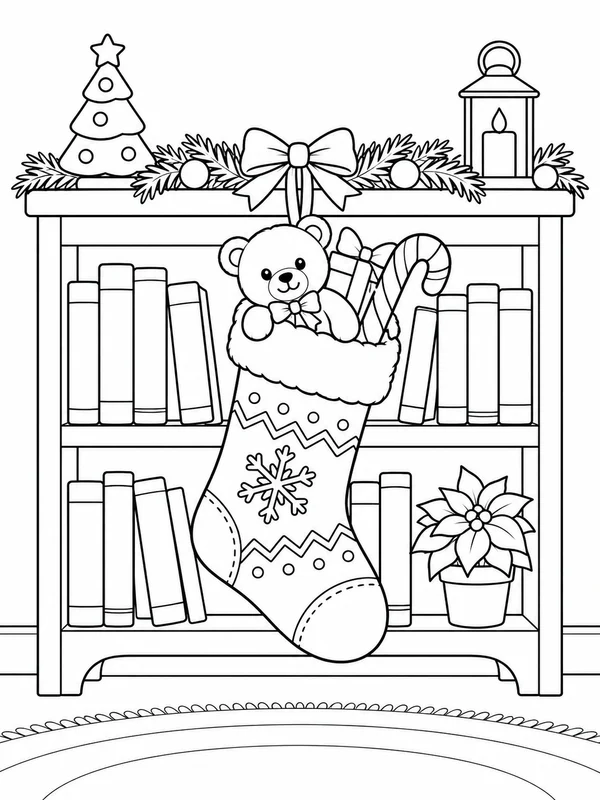
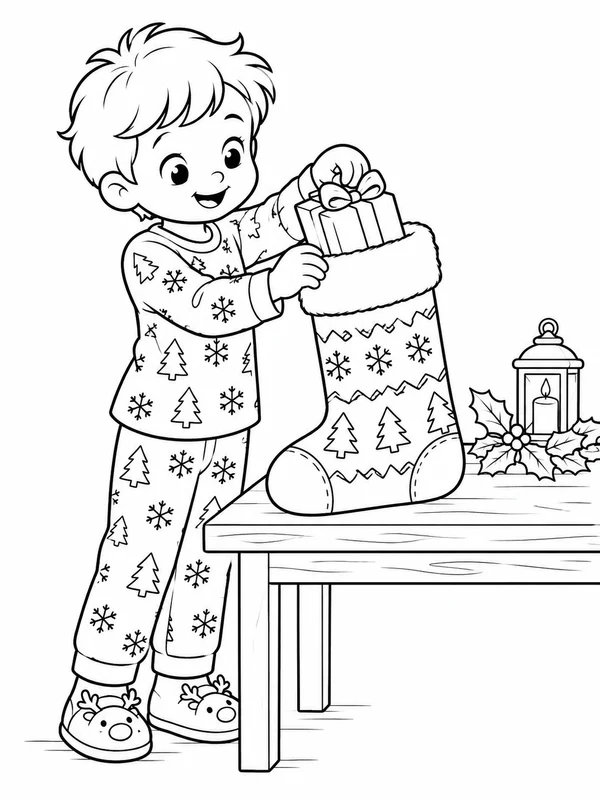
MediumA teddy bear, candy cane, gingerbread figure, or wrapped gift peeking from the top adds a small collection of shapes to color. Pick this direction when you want to make each item distinct without taking on a full mantel scene.
Try this ideaA mantel or row of stockings
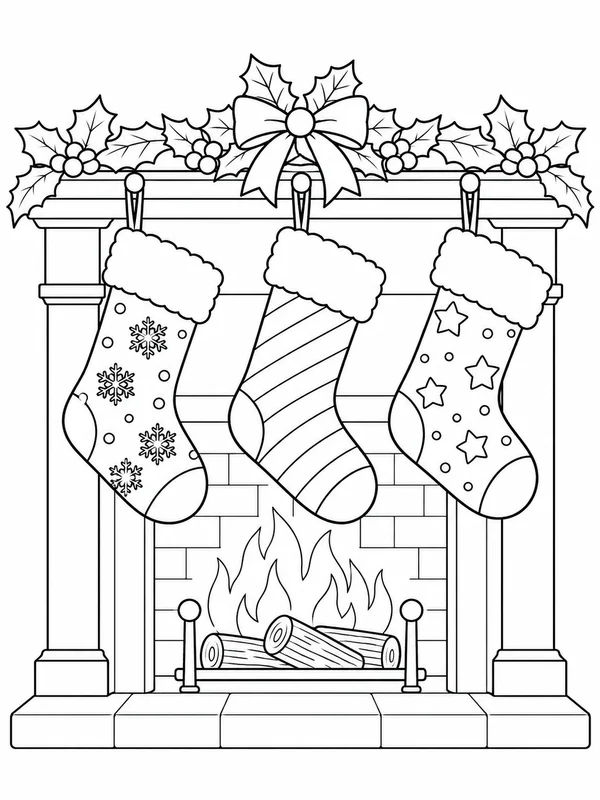
DetailedSeveral stockings on a fireplace mantel or holiday line create a natural pattern-comparison activity. Vary the cuffs, motifs, and bows, then add holly or garland around them for more detailed coloring.
Try this ideaWays to use the page
Repeat a cuff pattern
Choose one simple motif—stars, diamonds, dots, or stripes—and repeat it across the cuff. Add a different pattern to the heel and toe so each part of the stocking is easy to distinguish.
Color the gifts as clues
If presents or toys peek from the stocking, choose a color for each item before filling the larger stocking shape. Talk about which small object might belong to a reader, baker, or animal lover.
Design a matching display
For a row of stockings, give each one a different central motif but repeat one shared color across the set. This makes the display feel related while keeping every stocking easy to recognize.
Printing tips
Print a stocking coloring page on Letter or A4
- Open the single stocking page you want and choose its PDF download; an existing page is available without signing in.
- Select US Letter or A4 to match the paper in the printer.
- Use Fit to printable area instead of Fill or Crop, and check that the stocking cuff and toe remain inside the preview margins.
- Try a plain sheet first. The artwork can leave white space when its page proportions are fitted to your paper.
Customize a design
Create a stocking design with your own details
Choose a cuff pattern, a few gifts, or a mantel, then describe a fresh illustration. Try this prompt as a guest; use Customize on a gallery image to make an account-gated variation.
Christmas stocking coloring page questions
Which stocking page is easiest to color?
A single large stocking with a broad cuff and a few simple shapes has less detail than a filled stocking or a row arranged around a decorated mantel.
Does one PDF download include every stocking page?
No. Each PDF is one selected coloring page, not a multi-page stocking pack or a Christmas bundle.
Can I download an existing page without an account?
Yes. You can browse and download an existing stocking page without signing in.
How do I print a stocking page on Letter or A4?
Choose the paper size you loaded and set scaling to Fit to printable area. Review the preview so the full stocking outline stays inside the margins.
Can I design a stocking with different contents?
The Customize control on a gallery page uses that selected image as the starting point and requires an account. The prompt on this page starts a separate stocking design; the generator will indicate if sign-in is needed.